Guide · 7 minute read
How to count fixed assets before an audit
The external auditor and the tax inspector ask one simple question: do the assets in the books exist, and at that value? A physical count is the only accepted answer. This guide explains, step by step, how to run a fixed asset count that produces a register an auditor can rely on, with your own team or a specialised company.
Why a physical count is a precondition for the audit
In most companies the fixed asset register is built from invoices: every capital purchase becomes an asset. Over the years assets move between branches, are sold, scrapped or replaced without the register being updated. The result is a register with assets that no longer exist, assets on the floor that were never recorded, and depreciation charged on things that disappeared.
The auditor tests existence by sampling: assets from the register are traced to the floor, and assets from the floor are traced to the register. A failed sample widens the test and can end in a qualified report. A physical count before the audit removes the problem at the root, because the register matches reality before anyone tests it.
Step one: define the scope
Before any scanning, agree three things: the sites to be counted (head office, branches, warehouses, outdoor sites), the asset types (furniture, IT, machinery, vehicles, building installations), and the capitalisation threshold below which an item is not an asset under company policy.
Export the current register with all its columns: asset number, description, purchase date, cost, accumulated depreciation, net book value and location. It is the reference for the reconciliation at the end, not the guide for the count. The count starts from the floor, not from the register.
Step two: tag every asset before counting it
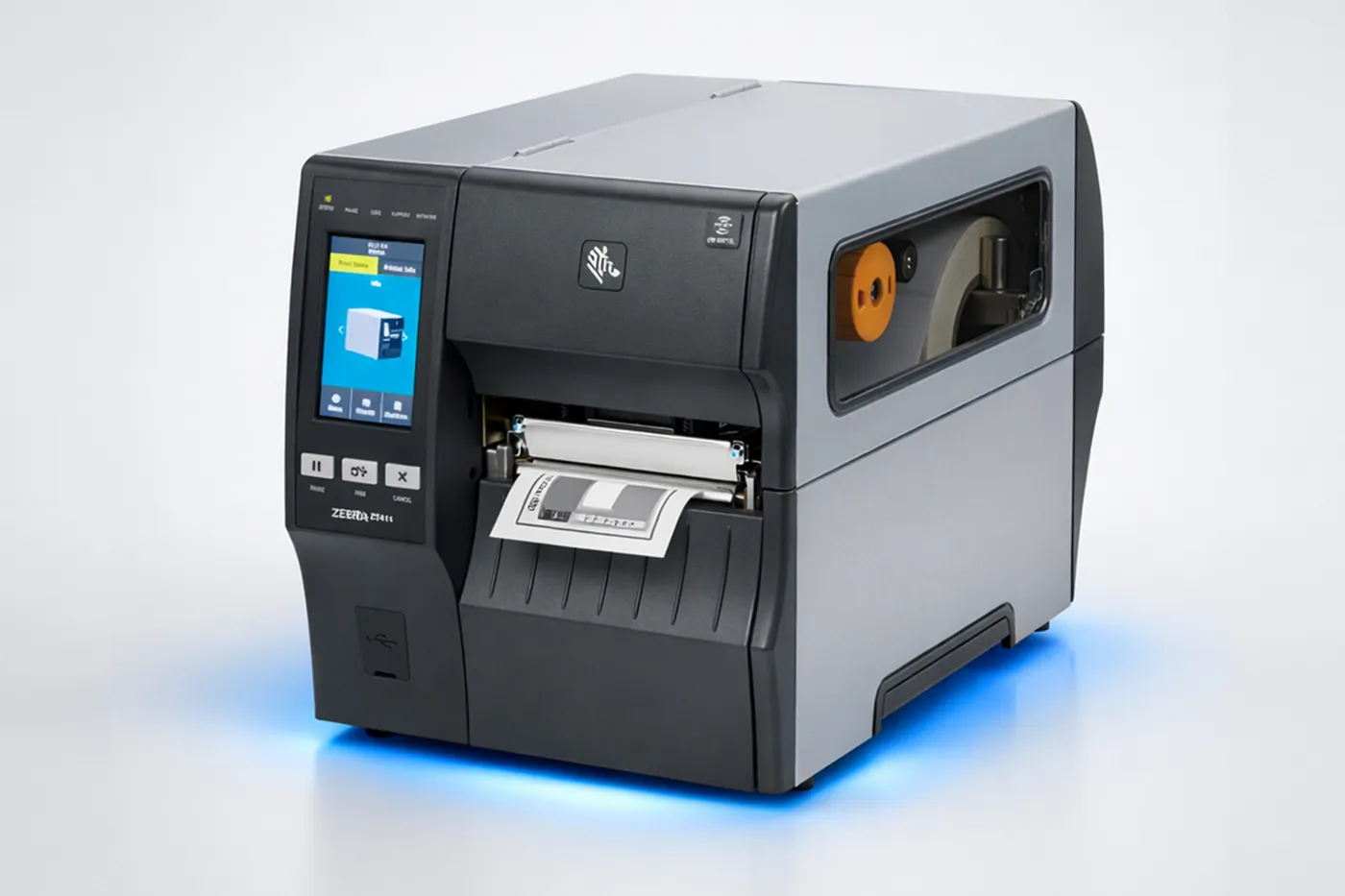
The biggest mistake in a manual count is working on paper with asset names. "Office chair" does not distinguish one chair from another, and the next count starts from zero again. Tagging gives every asset a unique number on a barcode or RFID label, so the next count becomes a scan instead of a recount.
Place the label in a fixed spot per asset type (right side of desks, back of devices, the data plate of machines) so the team finds it quickly, and use industrial materials that resist scratches and humidity, with a special type for metal and outdoor use.
Step three: scan room by room
An organised count moves by place, not by asset type: a team enters a room, scans every asset in it and closes it before moving on. Each scan records the asset number, class, description, brand, model, serial number, condition, custodian, location, floor and room, with a photo.
A dedicated app cuts human error: it reads the label, proposes the asset's data from the photo and rejects a label already scanned in another room. If you count manually, at least use one shared sheet with the same columns for every team.
- A team of two per site: one tags, one scans.
- A supervisor reconciles tagged against scanned assets at the end of every day.
- Assets not found in their place go on a "not found" list rather than being dropped.
Step four: reconcile with the asset register
After scanning, the accounting work begins: matching every scanned asset to a line in the register, by serial number or by description, purchase date and location. Four lists come out:
- Found and recorded: the normal case; the new tag number goes into the register.
- Found but not recorded: needs a value estimate and an addition, or sits below the capitalisation threshold.
- Recorded but not found: needs investigation, usually a write-off and a recorded loss.
- Moved: the location and the custodian are updated.
Step five: the report the auditor needs
The final report is the updated register with tag numbers, photos and locations, the differences report with the four lists, and management's decision on each difference (add, write off, revalue). The auditor can repeat any test alone: take a tag number from the register and find it on the asset.
Have the report signed by the finance lead and by the person responsible for each site, with the count date. That is what turns an internal file into audit evidence.
Your own team or a specialised company?
With a few hundred assets at one site and staff who can be freed up, an internal count is feasible. With thousands of assets, several sites or an audit date close by, a specialised company finishes in days instead of weeks and hands over a ready register and a platform to carry on with.
DataSync does the count, the tagging and the reconciliation in one visit, with a field team and an AI-assisted app, in every governorate of Egypt.
Frequently asked questions
Does the count have to be before the financial year end?
Ideally close to the balance sheet date so the differences are settled in the same year. Any count documented with its date is accepted by the auditor, with the movements between the count date and the balance sheet date rolled forward.
What happens to assets that are not found?
They go on a separate list and are searched for at the other sites. What is still missing is put to management for a write-off decision and the loss is recorded at net book value.
Are small items like chairs and monitors counted?
Those above the capitalisation threshold, yes. Items below it can be counted in groups if the company wants to track them operationally, without an accounting effect.
How long does a count take?
A team of two counts and tags about a thousand assets in one working week at one site. Reconciliation with the register takes two days to a week depending on the quality of the old register.
Need a company to run the count before your audit?
DataSync counts, tags and reconciles in one visit. Send us the number of assets and sites and you get a quote within one working day.
See how we work